Building AI Agents on Google Cloud: From Vibe Coding to Production
The end-to-end pipeline for shipping an AI agent on Google Cloud — prototype with Antigravity and AI Studio, build on Vertex AI and Agent Builder, deploy on Cloud Run — with the tooling churn told straight.
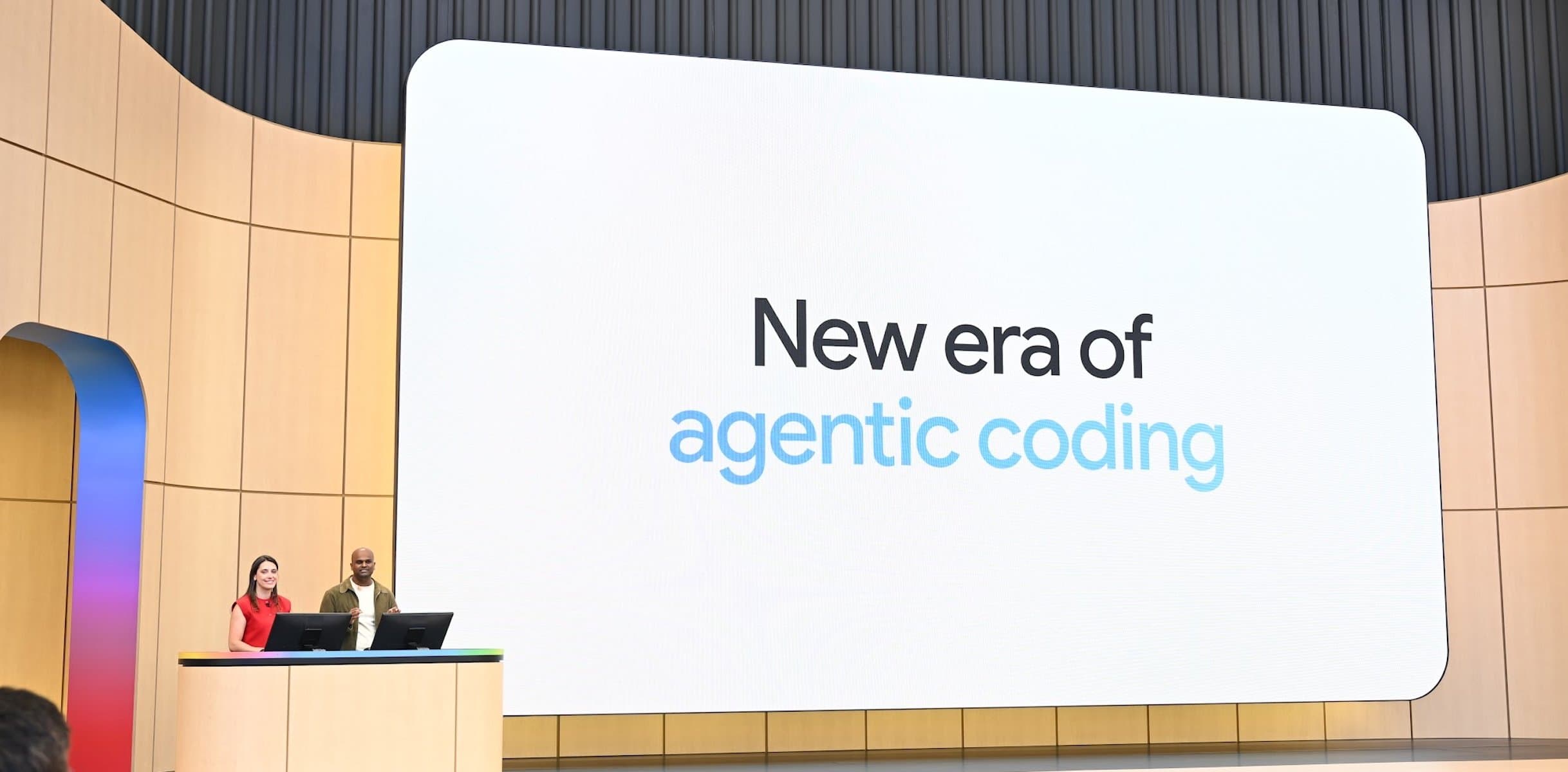
Current as of June 2026 — this area moves monthly. Check the update date before relying on tool specifics.
Here's the whole pipeline in two sentences: you prototype an agent by describing it in plain English to Antigravity or AI Studio, then build and serve the real thing on Vertex AI with Agent Builder, and deploy it on Cloud Run. Everything else is detail. This piece walks each stage, names the current tool for it, and — because the tooling is changing fast — tells you which parts are stable enough to learn deeply and which to re-check often.
The agent pipeline at a glance
An AI agent is software that takes a goal, plans steps, calls tools or APIs, and acts toward that goal with some autonomy (Google's definition is a good primary reference). Getting one into production on Google Cloud runs through four stages:
- Prototype — turn an idea into a working draft fast.
- Build & serve — rebuild it on production infrastructure with real models, grounding, and controls.
- Scale to the org — if it's a business-wide agent rather than one app.
- Deploy — ship it somewhere that scales and bills sanely.
Most individual builders live in stages 1, 2, and 4. Stage 3 is for enterprises.
Stage 1 — Prototype: vibe coding the draft
Vibe coding — describing what you want and letting an agent write and wire the code — is how most agents now start. Google has two front doors:
- AI Studio is the browser path. Describe an app and an agent scaffolds the whole stack — frontend, backend, database, auth — and hands you a live URL. Fastest route from idea to something running.
- Antigravity is the agent-first IDE for when you want a real desktop environment. Instead of autocompleting as you type, its agents work across your editor, terminal, and browser, planning and executing multi-step changes while you supervise at checkpoints.
Use AI Studio to validate an idea in minutes; move to Antigravity when you want more control over the codebase.
Stage 2 — Build & serve: Vertex AI and Agent Builder
A prototype is not a production agent. The middle layer is where it becomes real.
Vertex AI is Google's unified platform for training, tuning, and serving models — including the Gemini models most agents are built on. It's the durable foundation: stable, deeply documented, and unlikely to be renamed out from under you.
Agent Builder sits on top, giving you the scaffolding to build agents specifically — connecting them to tools, data sources, and grounding so they act on real information instead of hallucinating. This is the stage where you add the controls a prototype skips: authentication, retrieval over your own data, guardrails, and evaluation.
If you learn one thing deeply, learn this layer. It changes far more slowly than the prototyping tools above it.
Stage 3 — Scale to the org: Gemini Enterprise
When the goal isn't one app but agents working across an entire company, Gemini Enterprise is the packaged layer — an employee hub for automating everyday work with what Google frames as an "agentic taskforce." This is enterprise territory: shared context across teams, governance, and connection into existing business systems. Skip it if you're building a single product; reach for it when "the org" is the user.
Stage 4 — Deploy: Cloud Run
However the agent was built, Cloud Run is the path of least resistance to ship it. It runs containers, scales to zero when idle, and charges per use — which fits agent workloads well, since they're often bursty rather than constant. For most vibe-coded apps and lightweight agents, Cloud Run is where they end up living, and it has a generous free allowance to start.
The churn problem: what just changed
This is the part most guides won't tell you straight. The agent tooling on every cloud, Google's included, is changing month to month. In the last few months alone:
- Firebase Studio was sunset on March 19, 2026, under a year after launch. Its role folded into AI Studio and Antigravity. If a tutorial sends you to Firebase Studio, it's stale.
- The Gemini CLI and Gemini Code Assist IDE extensions are being replaced by Antigravity CLI and Antigravity for individual and free-tier users (mid-June 2026). Same capability, new name and home.
- Antigravity itself shipped a 2.0 desktop app at I/O 2026, only months after its first release.
The lesson isn't "don't learn the tools" — it's where to invest. The durable layer (Vertex AI, Cloud Run, the underlying Gemini models, the products directory) is stable; build your understanding there. The agentic wrappers on top are a fast-moving frontier; treat any specific tool, including the ones named here, as a snapshot you'll re-check.
A minimal first agent, free-tier friendly
You can walk the whole pipeline at low or no cost:
- Prototype in AI Studio (free for prototyping).
- Wire grounding and tools with Vertex AI / Agent Builder (use your $300 credit; watch the free-tier limits).
- Containerize and deploy on Cloud Run, which scales to zero and has a 2-million-request monthly free allowance.
That's a complete idea-to-deployed agent on Google Cloud without committing to anything heavyweight — and without paying until you outgrow the free limits. For how this fits the wider catalog, see Google Cloud Solutions, explained.
Explore Related Concepts
Frequently Asked Questions
How do I build an AI agent on Google Cloud?
Prototype it in AI Studio or Antigravity, build and serve it on Vertex AI with Agent Builder, then deploy it on Cloud Run. Prototyping tools get you a draft fast; the Vertex AI layer turns it into a controlled, production-ready agent.
What is Google Antigravity?
An agent-first development platform and IDE where AI agents work across your editor, terminal, and browser to build apps from a goal you describe, rather than autocompleting line by line.
Is Firebase Studio still available?
No. Firebase Studio was retired on March 19, 2026. Its capabilities moved into Google AI Studio and Antigravity, which are the current vibe-coding surfaces.
What's the cheapest way to deploy an agent?
Cloud Run. It scales to zero, charges only while handling requests, and includes 2 million free requests per month — so a low-traffic agent can run at $0.