How to Set Up LiteLLM as a Budget-First LLM Gateway
Every production LLM app eventually needs cost attribution, spend limits, and provider flexibility. Set up LiteLLM in the order that makes overspend structurally impossible: budgets before traffic.
Install LiteLLM and Define Your Models
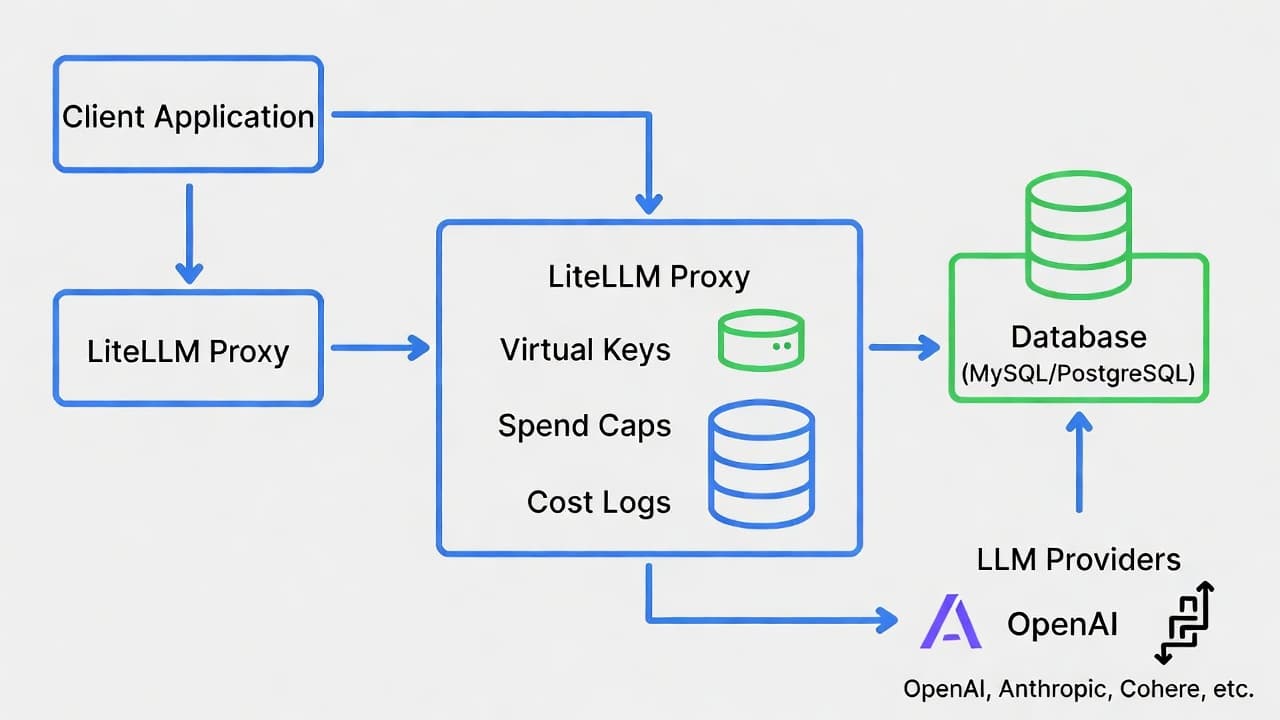
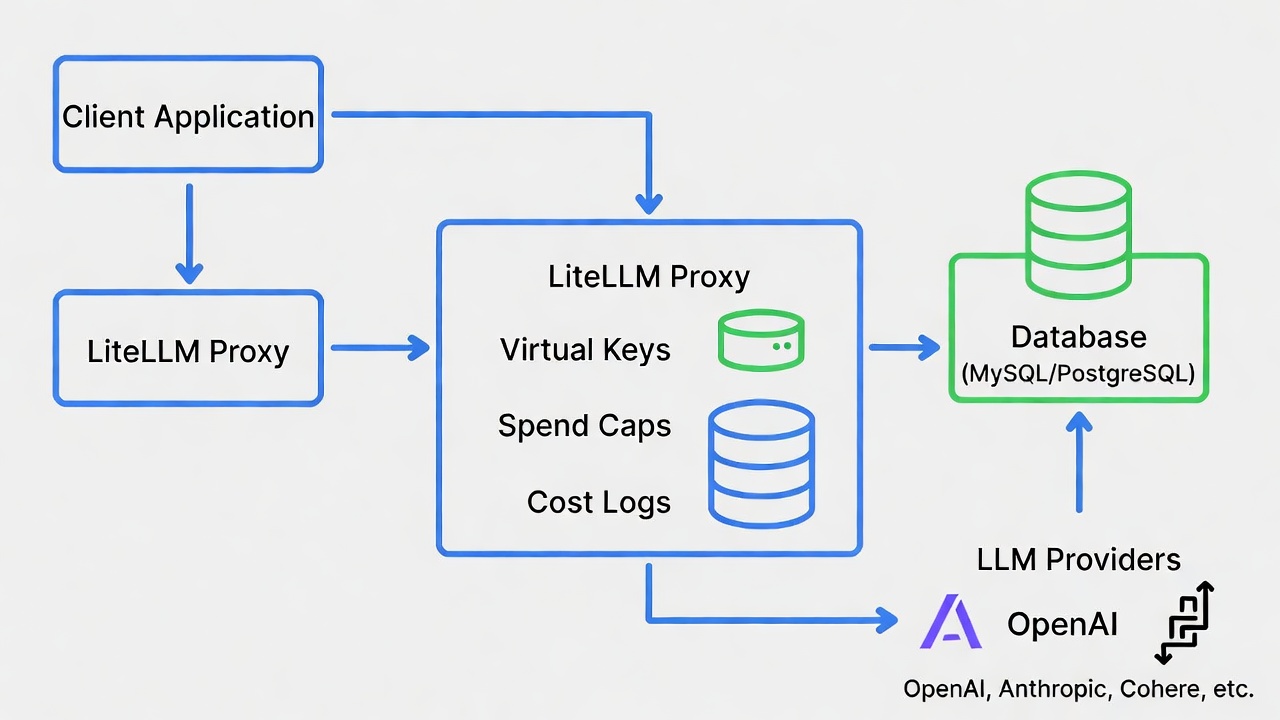
LiteLLM is an open-source proxy that puts every LLM provider — OpenAI, Anthropic, Google, and 100+ others — behind one OpenAI-compatible endpoint, with cost tracking, virtual API keys, and spend budgets built in.
Most tutorials install the proxy, wire up routing, and leave budgets for "later." Later is after the invoice that motivates it. This guide runs budgets before any application ever connects — spend caps exist before the first routed request, not after the first incident.
Install the proxy (quickstart docs):
pip install 'litellm[proxy]'
Create config.yaml with the models you want to expose. Provider keys live here (or in environment variables) — never in application code:
model_list:
  - model_name: claude-fast          # alias your apps will call
    litellm_params:
      model: anthropic/claude-haiku-4-5-20251001
      api_key: os.environ/ANTHROPIC_API_KEY
  - model_name: gpt-default
    litellm_params:
      model: openai/gpt-3.5-turbo
      api_key: os.environ/OPENAI_API_KEY
The model_name aliases are the point: applications call claude-fast, and what that resolves to is your config decision — upgradeable, swappable, A/B-testable without touching app code.
Set a Master Key and Start the Proxy
The master key is the admin credential for the proxy itself — it's what lets you mint virtual keys in the next step. Set it and start the server:
export LITELLM_MASTER_KEY="sk-<generate-a-strong-secret>"
litellm --config config.yaml
The proxy serves an OpenAI-compatible API on port 4000 by default.
For virtual keys and spend tracking to persist, connect a Postgres database per the virtual keys docs — a DATABASE_URL environment variable pointing at any Postgres instance. Without it, keys and budgets reset when the proxy restarts.
Issue Budgeted Virtual Keys Before Any App Connects
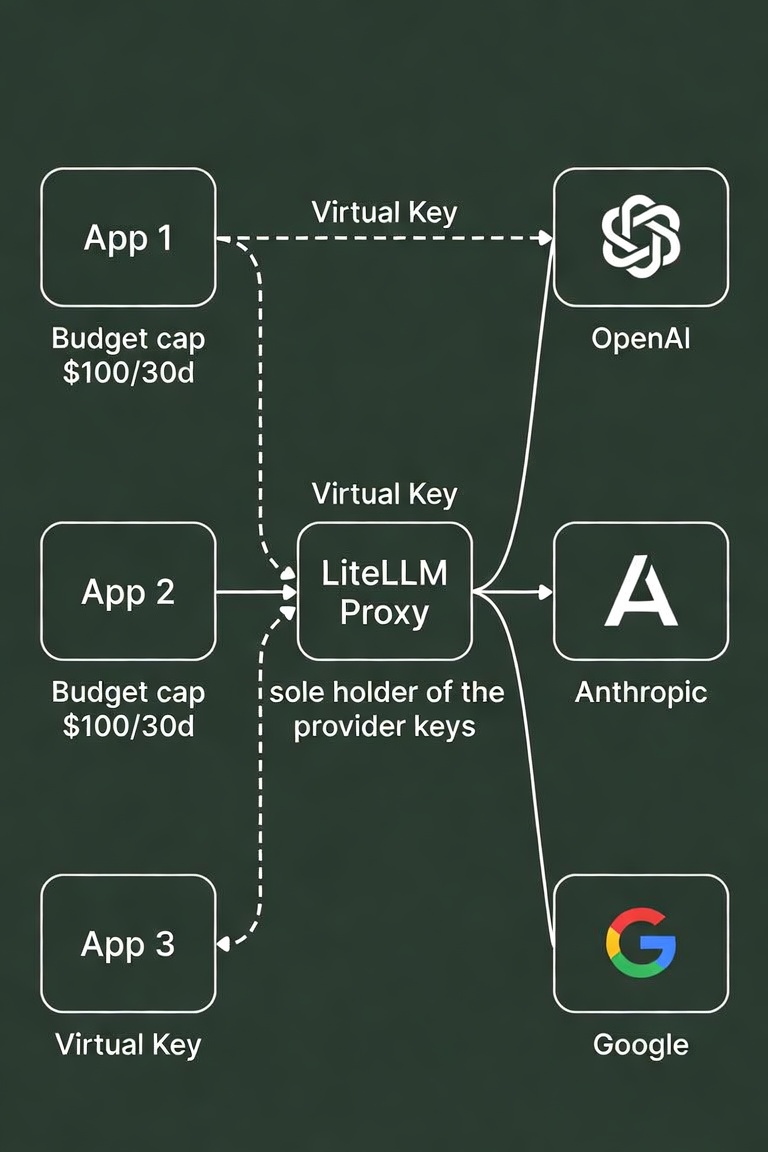
This is the step most tutorials skip until after a runaway bill. Before any application connects, mint its credential with a hard spend cap. One key per app, team, or feature — granularity here is what makes the spend logs useful later.
curl -X POST 'http://localhost:4000/key/generate' \
  -H "Authorization: Bearer $LITELLM_MASTER_KEY" \
  -H "Content-Type: application/json" \
  -d '{
    "key_alias": "chatbot-prod",
    "max_budget": 100,
    "budget_duration": "30d"
  }'
That key can spend $100 per rolling 30 days. At the cap, requests fail with a budget error instead of billing — a runaway agent loop hits a wall, not your card.
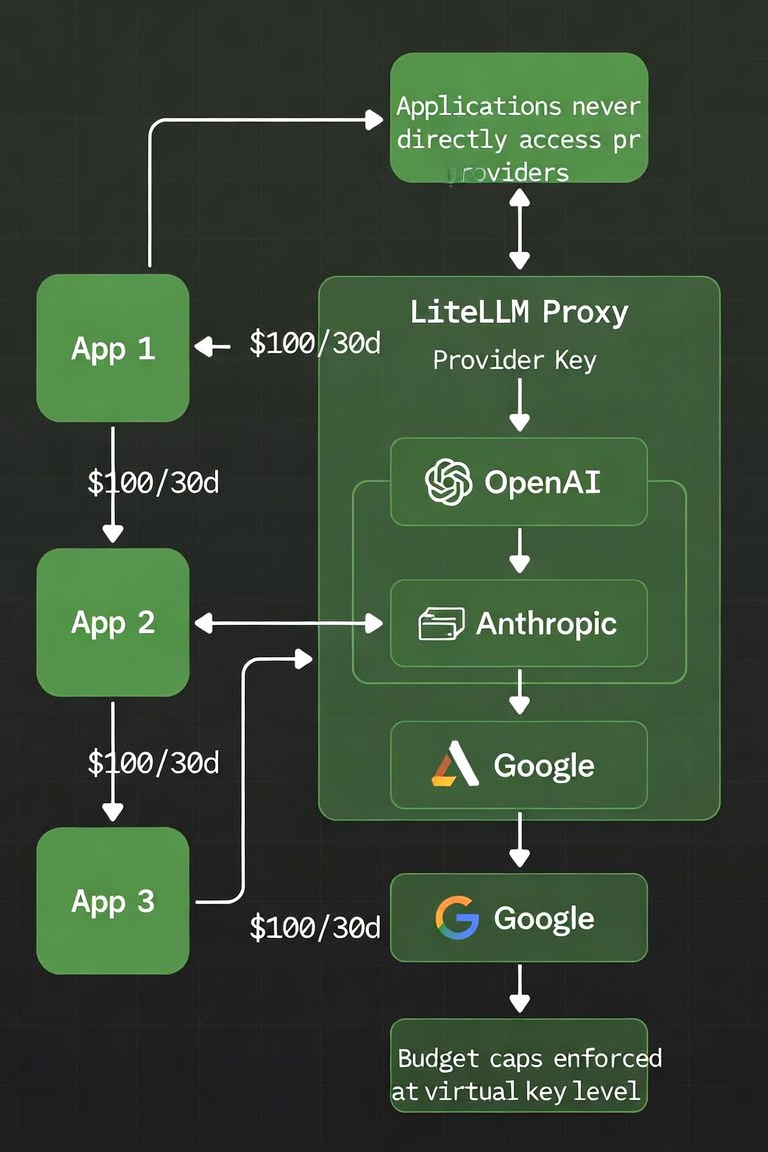
Repeat per consumer: a cheap cap for experiments, a real one for production, a separate one per teammate.
Virtual key — a credential issued by the gateway, not by any provider. Applications authenticate to your proxy with virtual keys; only the proxy holds the real provider keys. Budget — a hard spend cap attached to a virtual key (max_budget), optionally resetting on a schedule (budget_duration). Requests beyond the cap are rejected, not billed.
Point Applications at the Proxy
Applications now use any OpenAI-compatible client, with two changes — base URL and key:
from openai import OpenAI

client = OpenAI(
    base_url="http://localhost:4000",
    api_key="sk-<virtual-key-from-step-3>"
)

response = client.chat.completions.create(
    model="claude-fast",
    messages=[{"role": "user", "content": "ping"}]
)
No Anthropic SDK, no provider key in the app, no knowledge of which model claude-fast currently is. That indirection is the lock-in escape hatch — swapping providers becomes a one-line config change instead of a code change.
Read the Spend Logs
Every request is now attributed. Per-request costs (including response_cost) are queryable from the cost tracking endpoints:
curl -s 'http://localhost:4000/spend/logs' \
  -H "Authorization: Bearer $LITELLM_MASTER_KEY"
/spend/keys breaks spend down by virtual key — which, because you issued one per feature in Step 3, is a per-feature cost report for free.
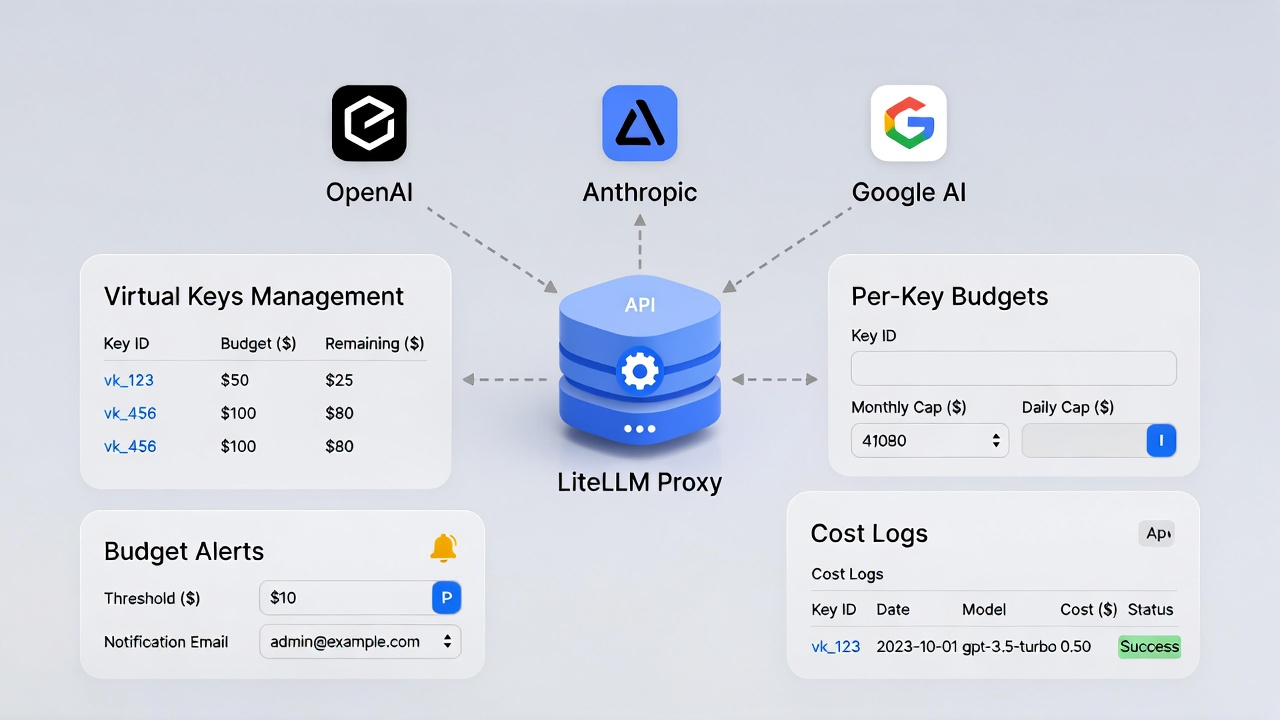
This is the request-level token logging that every downstream optimization (model routing, caching, cost audits) depends on.
The proxy is now infrastructure you operate — it needs uptime, upgrades, and a Postgres instance; a gateway outage is an every-app outage. Budgets are enforced at the gateway, not the provider, so traffic that bypasses the proxy (a stray direct SDK call) bypasses the caps — enforce proxy-only egress in code review or network policy. There's also a small latency overhead: one extra hop per request, negligible for most workloads. Provider model IDs in this guide will age; the alias pattern in Step 1 exists precisely so only your config, not this article or your code, needs updating.