Verification Is Not Optional: How to Stop Shipping Wrong Answers at Scale
Every AI product hallucinates. Winners catch it before the user does.
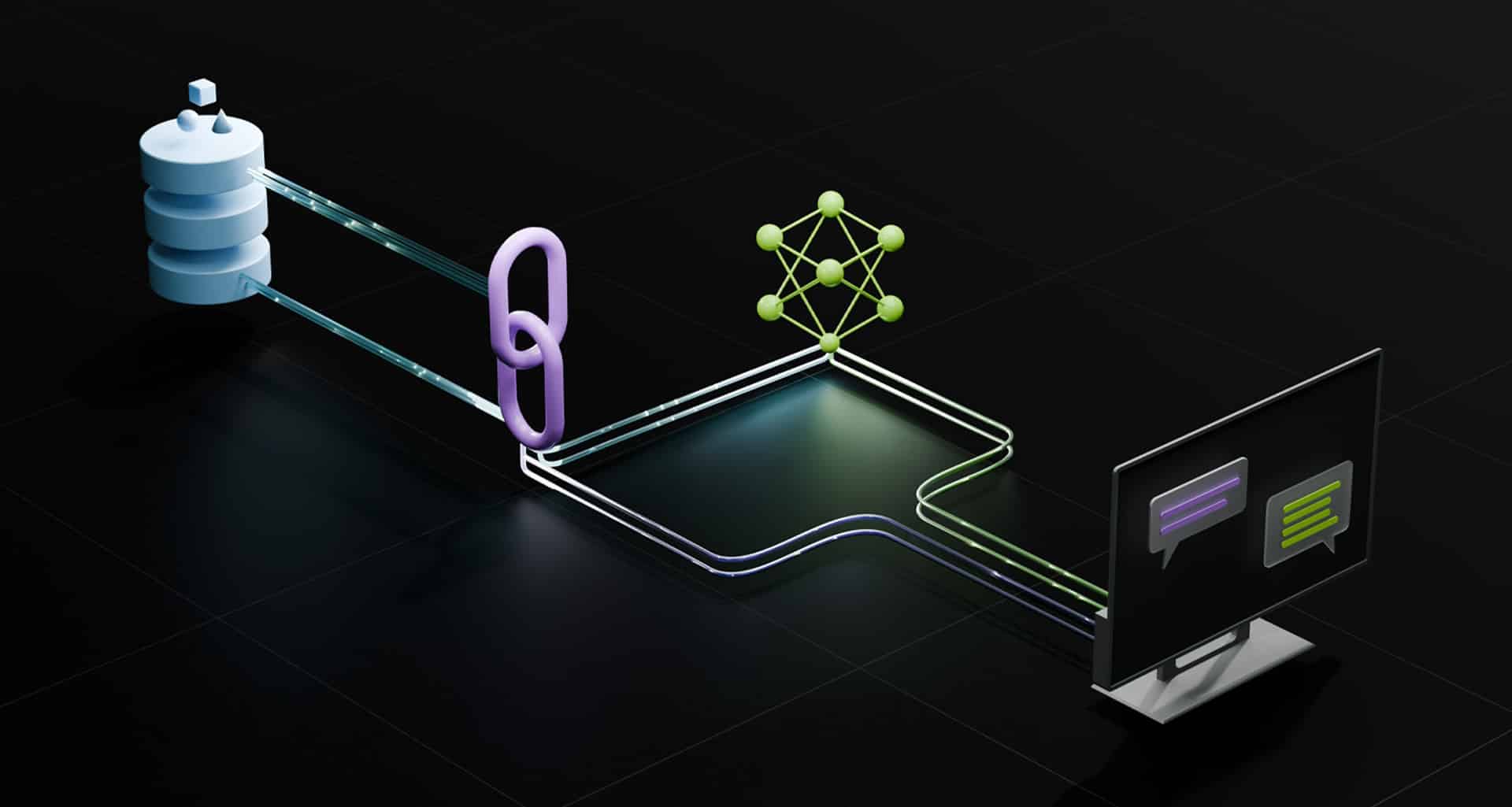
Every AI product hallucinates. The difference between winners and losers is whether you catch it before the user does.
Verification is the layer that runs on every output and asks one question: is this answer correct? If the answer is no, you have a fallback. Tell the user you don't know, escalate to a human, or try again with a different approach. It is Layer 5 of the six-layer system, and it sits between the model and the customer for a reason.
Most teams skip verification because it feels like overhead. It's not. It's the difference between a product that breaks trust and a product that keeps it.
Why Verification Matters (The Cost of Not Doing It)
The math is not close. A hallucination that reaches a user is expensive. A check that catches it is cheap.
The cost of a hallucination:
- Support chatbot gives wrong policy → customer gets refund incorrectly → legal exposure
- Code generator writes code that doesn't work → developer wastes 2 hours debugging → loses trust, stops using product
- Analysis tool gives wrong numbers → analyst makes wrong decision → company loses money
The cost of catching that before it reaches the user: 100ms of latency, maybe 5% cost increase.
The cost of the hallucination reaching the user: churn, reputation damage, legal risk.
The math is obvious. Ship verification.
Verification Patterns by Use Case
Verification rules depend on what you're verifying. There's no one-size-fits-all check. What you check for a retrieval-grounded answer is nothing like what you check for generated code.
Pattern 1: Q&A (Retrieval-Grounded Answers)
What you're checking: Is the answer actually supported by the retrieval context?
This is the most common failure in a retrieval-augmented product: the model writes a fluent answer that the retrieved documents never support. Automated frameworks like RAGAS score exactly this — the faithfulness of a generated answer to its retrieved context — without needing a human-written reference. A retrieval architecture that actually works reduces how often that happens, but it never gets to zero, so you check every answer against its own context.
The check:
- Extract entities/claims from the answer
- Check if each claim appears (or is reasonably implied) in the retrieval context
- Score: what % of claims are grounded?
- Threshold: if < 70% grounded, reject and use fallback
Real example:
- Q: "What's the return policy?"
- Retrieval: "Returns accepted within 30 days"
- Model answers: "You have 30 days to return items"
- Check: "30 days" appears in retrieval → PASS
- Model answers: "You have 60 days to return items"
- Check: "60 days" does NOT appear in retrieval → FAIL, use fallback
Cost: ~80ms per query (semantic similarity check)
Pattern 2: Code Generation
What you're checking: Does the code parse? Does it import real libraries? Does it follow the syntax of the language?
This is the verification layer for agentic products too: when the model emits a tool call or a snippet to execute, you verify it parses and references real symbols before you run it.
The checks:
- Parse check: does it compile/parse? (syntax validation)
- Import check: do the libraries imported actually exist? (basic linting)
- Execution check (optional): does it run without errors? (expensive)
- Test check (optional): does it pass the user's test cases? (very expensive)
Real example:
- Model generates:
import pandas as pd; df = pd.read_csv('file.csv') - Parse check: PASS (valid Python)
- Import check: PASS (pandas is real)
- Code generation verification: PASS
- If any failed: reject, try again with a simpler prompt or smaller model
Cost: ~50ms per query (parsing + import check), ~1s per query (execution)
Pattern 3: Numerical Analysis
What you're checking: Are the numbers sensible?
The checks:
- Bounds check: are numbers within expected range? (if analyzing stock prices, 0-1000 makes sense; 1 million doesn't)
- Consistency check: do related numbers add up? (if analyzing a budget, do expenses + savings = total?)
- Reasonableness check: does the number match the explanation? (if the analysis says "revenue grew 50%," is the new revenue 150% of the old?)
- Precision check: does the number have the right precision? (stock price: 2 decimals; population: 0 decimals)
Real example:
- Q: "What was Apple's revenue growth last year?"
- Model answers: "Apple's revenue grew from $365B to $547B, a 50% increase"
- Bounds check: $365B and $547B are plausible for Apple → PASS
- Math check: $365B × 1.50 = $547.5B ≈ $547B → PASS
- Model answers: "Apple's revenue grew from $365B to $500M, a 50% increase"
- Bounds check: $500M is way too small → FAIL
Cost: ~30ms per query (math check)
Pattern 4: Summarization
What you're checking: Does the summary mention the main topic?
The failure mode here is well-documented: neural summarizers are prone to hallucinate content unfaithful to the input document, and standard overlap metrics like ROUGE miss it.
The check:
- Extract key entities from the original text
- Check if summary mentions at least some of them
- Semantic similarity: is the summary semantically similar to the original?
- Length check: is the summary actually shorter?
Real example:
- Original: "Apple announced a new iPhone with a faster processor, better camera, and longer battery life"
- Summary: "Apple announced a new iPhone"
- Check: mentions "Apple" and "iPhone" (key entities) → PASS
- Summary: "The stock market rose today"
- Check: doesn't mention "Apple" or "iPhone" → FAIL
Cost: ~100ms per query
The Fallback Chain
When verification rejects an output, you need a plan. A rejection with no fallback is just a slower failure.
Fallback option 1: Tell the user you don't know
if verification fails:
  return "I couldn't verify the answer. Please try a different question or contact support."
Fallback option 2: Try again with a different model
if verification fails:
  try the same query with a larger/different model
  if that passes verification: return new answer
  else: return fallback (tell user you don't know)
Option 2 is where verification meets routing: a failed check is the signal to escalate the query up the model tier instead of shipping the weak answer.
Fallback option 3: Escalate to human
if verification fails:
  log the query, model answer, and why verification failed
  send to human review queue
  return "Thanks for the question. A human will review this and get back to you."
Fallback option 4: Return partial answer with caveat
if verification fails (but confidence is medium):
  return answer WITH caveat: "I'm not fully confident in this answer. Please verify before using it."
Most products use option 1 or 2 for customer-facing products, option 3 for high-stakes use cases (legal, financial, medical).
How to Measure Verification Effectiveness
You built verification. How do you know if it's working? The technique matters less than the numbers. This is the same discipline as model evaluation: you can't improve what you don't measure.
Metric 1: Catch Rate What % of hallucinations does verification catch?
hallucinations_total = count where user_said_answer_was_wrong
hallucinations_caught = count where verification_rejected output before user saw it
catch_rate = hallucinations_caught / hallucinations_total
Target: 80%+ (you'll never catch 100%; some hallucinations are subtle)
Metric 2: False Positive Rate What % of correct answers does verification reject?
correct_total = count where user_said_answer_was_correct
false_rejections = count where verification rejected answer user liked
false_positive_rate = false_rejections / correct_total
Target: < 5% (you can tolerate some false positives; false negatives are worse)
Metric 3: Cost vs. Benefit
cost_of_verification = latency_added + compute_cost
benefit_of_verification = (hallucinations_caught / total_queries) * (cost_per_hallucination)
If a hallucination costs you a user ($50), and verification catches 80% at a cost of $0.01 per query, verification is worth it if you have > 1.25 million queries to break even. Most products hit that in < 2 months.
You can also make a strong model the judge. Using an LLM as a judge — a well-studied evaluation pattern where a capable model like GPT-4 reaches over 80% agreement with human preferences — is a practical way to score groundedness and coherence when a hard-coded check can't. You can drive the per-query cost down further. Instead of running the full model twice, run a small verifier model or classifier as the check. This is standard inference optimization: the verifier is a fraction of the size of the generator, so the added cost is closer to $0.001 than $0.01.
Real Implementation: The Verification Layer
def generate_and_verify(query, context, model):
  # Generate answer
  answer = model.generate(query, context)

  # Verification checks (depends on use case)
  checks = {
    'grounded': is_grounded_in_context(answer, context),
    'coherent': is_coherent(answer),
    'complete': is_complete(answer, query),
  }

  # Score
  score = sum(checks.values()) / len(checks)

  if score > VERIFICATION_THRESHOLD:
    return answer, verified=True
  else:
    # Fallback
    if RETRY_CHEAPER_MODEL:
      cheaper_answer = cheaper_model.generate(query, context)
      if verify(cheaper_answer, checks) > THRESHOLD:
        return cheaper_answer, verified=True

    # Give up
    return FALLBACK_MESSAGE, verified=False
This is the pattern. Implement per your use case.
The Checklist (Before You Ship)
Run this before verification goes live. Every unchecked box is a hallucination you're not catching yet.
- You've defined verification rules for your specific use case (not generic)
- You've tested verification on 100 known good and 100 known bad outputs
- You've measured catch rate (goal: 80%+) and false positive rate (goal: < 5%)
- You have a fallback when verification rejects (tell user, retry, escalate, or caveat)
- You're logging every verification rejection (these are learning signals)
- You've measured the latency cost of verification (is it acceptable for your product?)
- You have a process to improve verification over time (monthly: which checks work? Which don't?)
- You've communicated to your team: verification is not optional, it's not optional
That last logging step is not busywork. Every rejection is a labeled example, and those labels feed the feedback loops that retrain both the model and the verifier over time.
The Bottom Line
Verification is the layer that separates products that can scale from products that ship hallucinations at scale and destroy trust.
The cost (100-300ms latency, 5% compute increase) is negligible compared to the cost of a hallucination reaching a user.
Build it before you're famous enough that hallucinations become a PR problem. Build it now, while you're small and can still afford to get it wrong.
Explore Related Concepts
Frequently Asked Questions
How much does verification cost in latency?
Depends on the check. A semantic similarity check (is the answer grounded in retrieval?) adds 50-100ms. A code parser (does the code compile?) adds 10-50ms. A reasonableness check (are the numbers in bounds?) adds 10ms. Combined, 100-200ms. For most products, acceptable.
What do I do when verification rejects an output?
You have three options: (1) tell the user "I don't know," (2) use a cheaper fallback model and ask for verification again, (3) escalate to human review. Choose based on your use case. For customer support, (1) is fine. For financial analysis, (3) is required.
Can verification be a small model that learned what "good" looks like?
Yes. Train a binary classifier on examples of correct vs. hallucinated outputs from your product. Use that as your verification layer. It's cheaper than running the full model again and often more accurate because it learns your specific failure patterns.
Won't verification slow down my product?
Yes, by 100-300ms typically. Whether that matters depends on your latency budget. For real-time chat, it might. For batch analysis or email summaries, it doesn't. Design for your constraints.